

Define the scope and what must stay
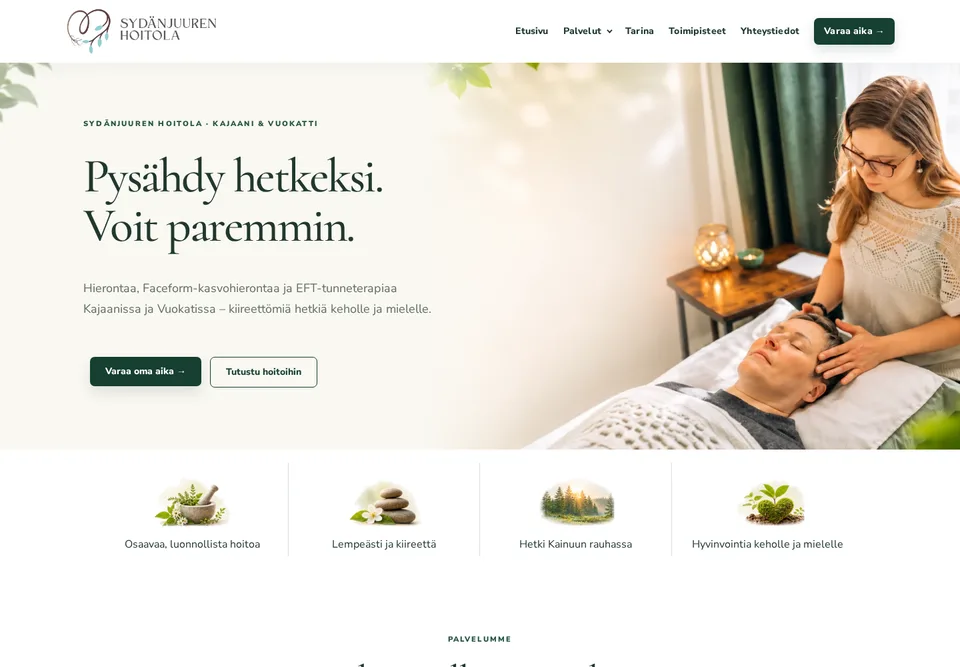
List key pages and URLs, forms, images, integrations, themes and plugins. Identify what is still needed. If the issue is the homepage or navigation, replacing the entire platform is usually unnecessary. For Sydänjuuri, Northerd redesigned the homepage, header and footer and built a custom management plugin.
Back up the database and files
A content export is not a complete site backup. Keep a recoverable database copy and the required files, including media, themes, plugins and configuration. Test restoration in a separate environment and agree who can roll back the site if launch fails.
Make changes on a protected staging site
Restrict access to staging. Indexing directives do not protect customer data. Use anonymised data and test credentials where needed. Route test emails to a test inbox and use test environments for payments and external integrations. Check forms, navigation and key journeys on mobile and desktop.
Plan the launch without losing new data
Do not overwrite the live database with an old staging copy if new orders, users or content have appeared. Deploy only the agreed changes or plan a controlled migration. Keep working URLs and permanently redirect changed URLs to their equivalents. Decide when to stop the launch and how rollback would affect new data.
Verify the live site
- Open the homepage and key service pages while signed out. Check old URLs and the sitemap.
- Send an agreed test enquiry and verify delivery. Check booking and purchase flows using an agreed test method.
- Ensure staging-only access or indexing restrictions are not left on public pages.
- Monitor errors and enquiry delivery after launch. Resolve obstacles before making the next change.